How to Plan an MVP Web App: From Idea to Launch in 6–10 Weeks
How to plan an MVP web app: define the core problem, cut scope, pick a stack and ship in 6–10 weeks. A practical guide to web app development for startups.
 Eric Boluwatife
15 July 2026 · 6 min read
Why nowThe approach I give every founder with a big idea and a small first budget.
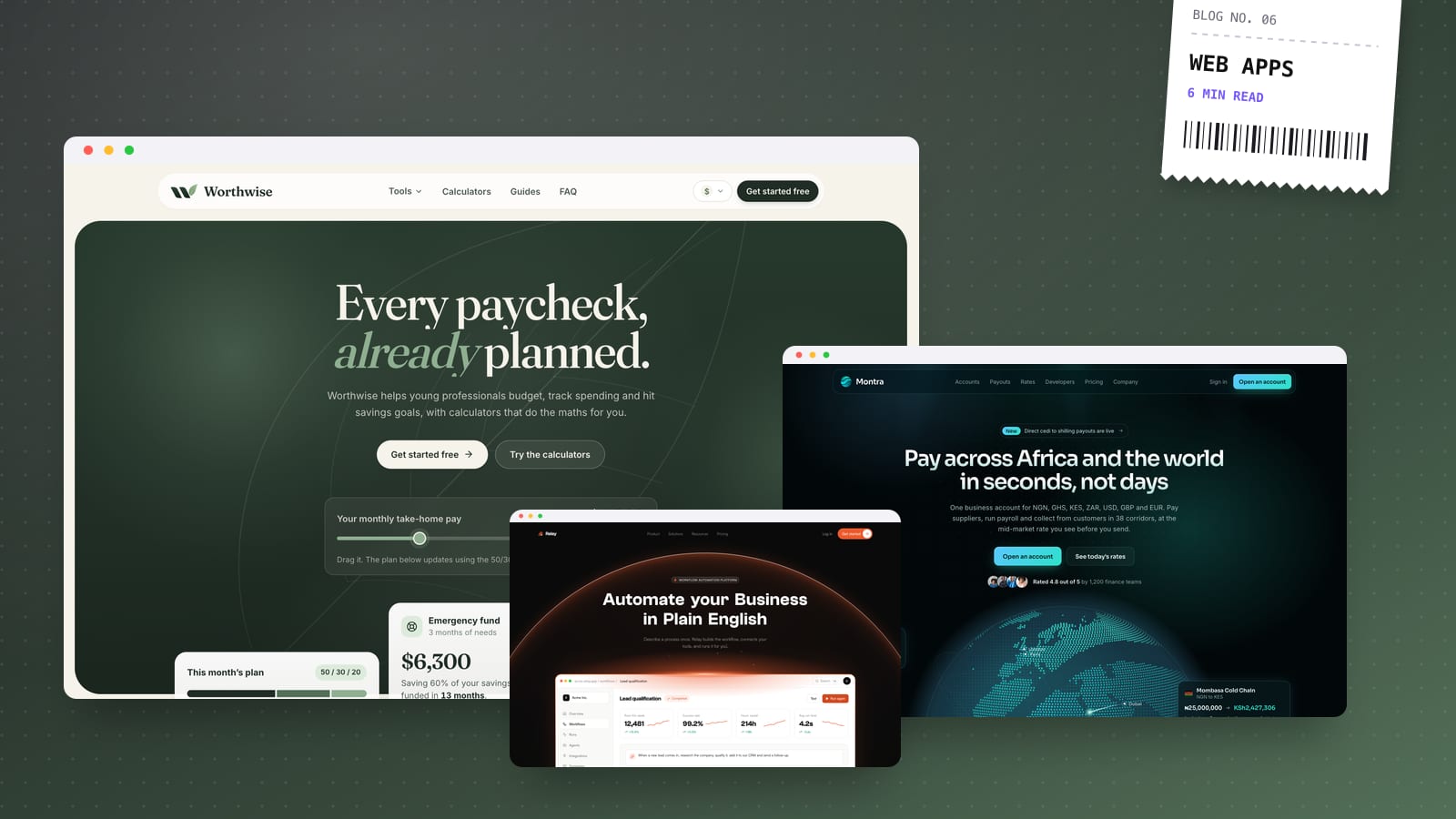
To plan an MVP web app, define one user, one painful problem and one core workflow, then cut everything that doesn't prove that workflow works. With a tight scope, a modern stack and fast feedback, most MVPs can go from idea to launch in roughly 6–10 weeks: about one to two weeks of planning and design, four to six of building, and a week of testing and launch.
I design and build web apps for founders, and the projects that launch on time are almost always the ones where we agreed early on what not to build. This guide walks through how I plan an MVP, week by week.
What an MVP web app actually is (and isn't)
A minimum viable product is the smallest version of your product that lets real users get real value, so you can learn whether the idea works. It is not:
- A clickable prototype. Prototypes are useful for testing flows, but an MVP has working logins, real data and real outcomes.
- Version one of everything. Admin panels, team permissions, integrations and settings pages can usually wait.
- A low-quality product. "Minimum" refers to scope, not care. The core workflow should feel fast and trustworthy.
A good MVP answers one question: will the right people use this to solve this problem?
Step 1: Define the problem, user and core journey
Before any design, I ask founders to write three sentences:
- Who is the first user? Be specific: "independent physiotherapists managing their own bookings", not "health businesses".
- What problem do they have today, and how are they solving it now (spreadsheets, WhatsApp, paper, a clunky tool)?
- What does success look like after launch? For example, a number of active users completing the core action each week, or a number of paying customers.
If the current workaround is "a spreadsheet and a lot of messages", that's a good sign: there's a clear before and after.
Map the core user journey
Next, map the one journey that delivers value, from first visit to the moment the user gets what they came for. For a booking tool it might be:
Sign up → set availability → share booking link → client books → both get confirmation.
Everything on that path is in scope. Everything off it goes on a "later" list. This step alone usually cuts a surprising number of features from the first version.
Step 2: Prioritise features ruthlessly
I sort every feature idea into three buckets:
- Must have: without it, the core journey breaks. Authentication, the main data model, the key action, basic notifications.
- Should have: improves the experience but the journey works without it. Profile customisation, exports, extra filters.
- Later: nice ideas that depend on learning from real users first. Integrations, advanced analytics, mobile apps, team roles.
A useful test: if this feature is missing, will a user abandon the product in the first week? If not, it's probably not a must-have.
Things that are often more necessary than founders expect
- Onboarding. An empty dashboard with no guidance kills activation.
- Email notifications for the key moments in the workflow.
- Basic admin access so you can see and fix data without touching the database.
- Analytics and error tracking, so you know what's happening after launch.
- Payments, if charging from day one is part of what you're validating.
Step 3: Choose a stack that can grow
For most MVPs I recommend a stack that's fast to build on, cheap to run and easy to hire for later:
- Front end: React with Next.js, for fast pages, good SEO on public pages and a huge ecosystem.
- Backend and database: a managed backend such as Supabase or Firebase, or your own API if you already have one. Managed services give you auth, a database, storage and security rules without running servers.
- Payments: Stripe for international billing; Paystack or Flutterwave if your customers are mostly in Nigeria or elsewhere in Africa.
- Email, analytics and error tracking: proven third-party tools rather than custom builds.
The goal is to spend your budget on what makes your product unique, not on reinventing login screens.
Should you build the MVP with no-code tools?
Sometimes. If your product is mostly content, forms and simple workflows, a no-code or low-code tool can validate demand quickly. Once you need custom logic, real permissions or performance at scale, code is usually the better long-term choice. I cover the website side of this choice in Framer vs Webflow, and for internal workflows an automation build can sometimes replace an app entirely.
Step 4: Design the UX before writing code
Designing first is faster, not slower. In Figma I create:
- User flows for the core journey and key edge cases (errors, empty states, first-time use).
- A small design system: colours, type, buttons, inputs, tables and cards, so the build stays consistent.
- High-fidelity screens for every page in the core journey, on desktop and mobile.
Reviewing screens is far cheaper than rewriting features. I include two rounds of edits at this stage so we can settle details before the build begins.
A realistic 6–10 week MVP timeline
Here's how a typical project breaks down. Simpler products land near six weeks; ones with payments, roles or several integrations land nearer ten.
| Phase | What happens | Typical length |
|---|---|---|
| Discovery and scope | Problem, users, core journey, feature list, fixed-price proposal | Week 1 |
| UX and UI design | Flows, design system, key screens, two rounds of edits | Weeks 1–3 |
| Build | Auth, data model, core workflow, notifications, admin views | Weeks 3–8 |
| Integrations | Payments, email, analytics, error tracking | Weeks 6–9 |
| Testing and launch | QA across devices, fixes, deployment, handover docs | Weeks 8–10 |
Phases overlap. Development on the foundations (auth, database, layout) often starts while the final screens are being polished.
Handling new ideas mid-build
New feature ideas will come up during the build; that's a good sign you're thinking about users. Rather than squeezing them in and pushing the launch back, I add them to the "later" list and we review that list together after launch, with real usage data. If something genuinely changes the core journey, we agree the change, its cost and its effect on the timeline in writing before starting it.
Step 5: Launch, measure and iterate
Launching an MVP is where the real work starts. In the first few weeks after launch:
- Watch activation, meaning the share of sign-ups who complete the core action.
- Talk to early users directly. A handful of conversations will tell you more than any dashboard.
- Fix friction first, before adding features. Small UX problems in the core journey matter more than new screens.
- Revisit your "later" list with real evidence about what users ask for.
Every web app I ship comes with handover docs, a walkthrough video and 30 days of free support for fixes and tweaks.
Common MVP mistakes to avoid
- Building for every possible user instead of one well-defined group.
- Skipping design and discovering flow problems mid-build.
- Custom-building commodity features like auth, email or billing.
- No analytics, so you can't tell what's working.
- Waiting for perfect instead of launching to a small group and learning.
- No marketing page. Even an MVP needs a clear landing page explaining what it does and who it's for. My guide to landing page design that converts covers the structure.
If you have an idea you want to validate, book a 30-minute call. We'll map the core journey together, and I'll send a fixed-price quote for your MVP within a day.