Website Redesign Without Losing SEO: A Step-by-Step Guide
Plan a website redesign without losing SEO: benchmark rankings, map every URL, set up 301 redirects, test on staging and monitor Search Console after launch.
 Eric Boluwatife
21 April 2026 · 7 min read
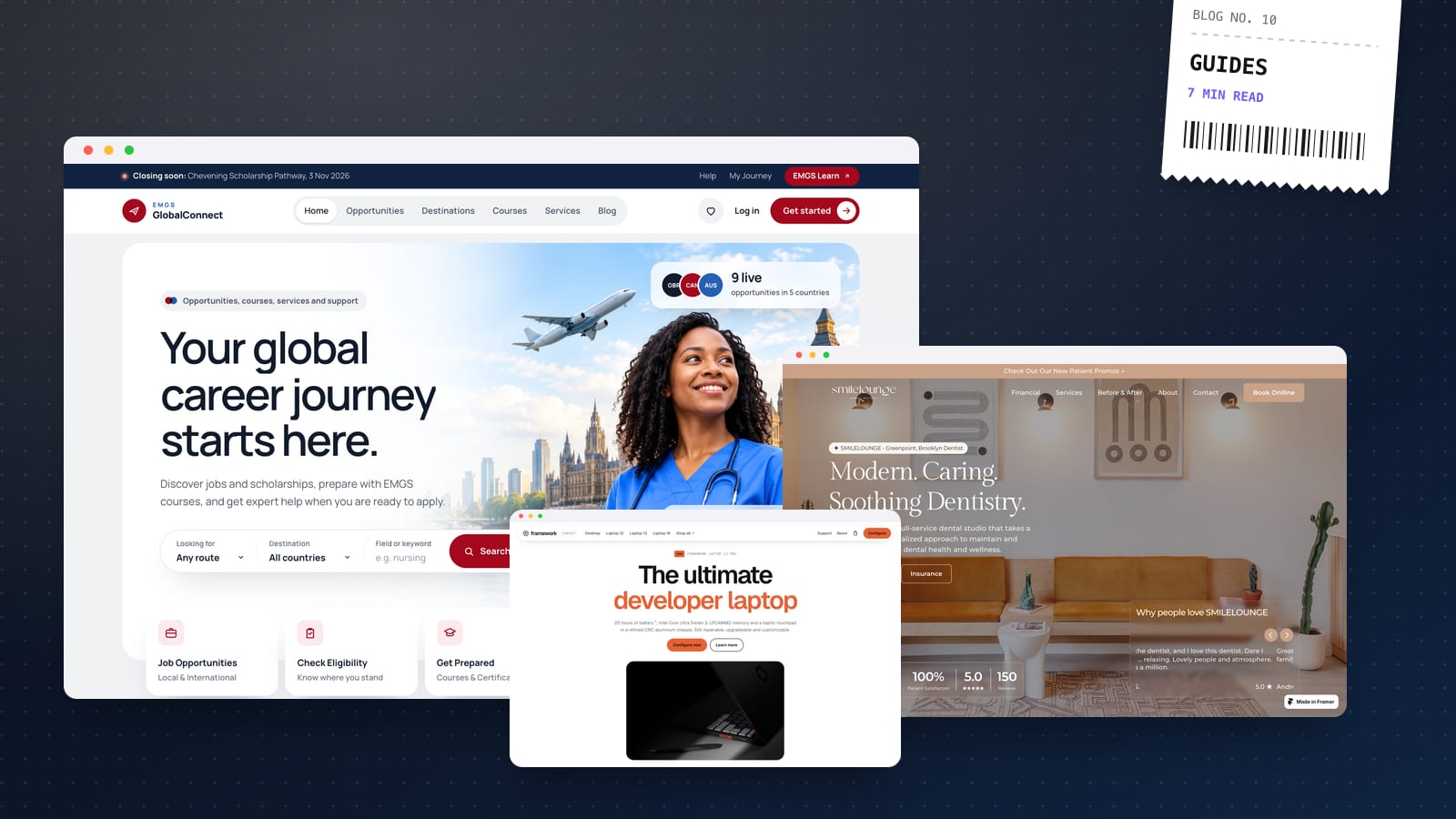
Why nowPrompted by redesign concepts for EMGS GlobalConnect and SMILELOUNGE, where existing rankings matter.
To redesign a website without losing SEO, record how your current site performs, map every old URL to a new one, set up 301 redirects for anything that moves, keep the content and on-page signals that already rank, test everything on a hidden staging site, and monitor Google Search Console closely for the weeks after launch. Most ranking drops after a redesign aren't caused by the new design. They're caused by URLs that changed without redirects and content that quietly disappeared.
I redesign sites for founders and organisations regularly, and this is the process I follow to protect what's already working.
On every multipage website redesign I take on, the content inventory and redirect map are part of the strategy and sitemap stage, before any design starts. If speed matters more than custom code, I'll often rebuild on Framer or Webflow as a no-code build so your team can edit everything afterwards. Every launch comes with a walkthrough video and 30 days of free support, which covers the most critical weeks after launch.
Why redesigns lose rankings
Search engines rank individual URLs, not your brand as a whole. Over the years, each of your pages has built up signals: links from other sites, a history of clicks, relevance for specific searches. A redesign can wipe those out in a few ways:
- URLs change without redirects, so Google and visitors hit 404 pages and the old pages' authority is lost.
- Content gets cut. A new design with shorter, punchier copy can remove the very paragraphs a page was ranking for.
- Titles, headings and meta descriptions get rewritten without anyone checking which keywords they carried.
- Internal links change, leaving important pages buried or orphaned.
- A "noindex" setting from staging goes live.
- The new site is slower, often from heavy animation, oversized images or extra scripts.
- Platform changes (for example, WordPress to Framer or Webflow) alter URL structures and how pages render.
Every one of these can be prevented. Here's how.
Step 1: Benchmark before you touch anything
You can't protect what you haven't measured. Before design work begins, export:
- Google Search Console: the Performance report for the last 12–16 months, by page and by query. This tells you which pages bring in search traffic and for which searches.
- Analytics: your top landing pages from organic search and which pages lead to enquiries or sales.
- Backlinks: a list of pages other websites link to, from Search Console's Links report or an SEO tool.
- A full crawl: run a crawler such as Screaming Frog on the current site to capture every URL, title, meta description, H1, canonical tag and status code.
- Speed: Core Web Vitals for key pages from PageSpeed Insights, so you can confirm the new site isn't slower.
Save all of this somewhere safe. It's your baseline for every decision that follows.
Step 2: Build a content inventory and decide what stays
Put every URL from your crawl into a spreadsheet, alongside its traffic, conversions and backlinks. Then give each page a decision:
- Keep: the page stays, ideally at the same URL.
- Improve: it stays but gets better content or design.
- Merge: two or more thin or overlapping pages become one stronger page.
- Remove: it's outdated and has no traffic or links worth keeping.
The golden rule: pages that bring in traffic or have backlinks need a very good reason to change. If a page ranks well, keep its URL and its core content, even if the design around it changes completely.
Step 3: Build the redirect map
This spreadsheet is the most important document in any redesign. For every old URL that won't exist on the new site, choose the single best new URL to send people to.
- Use 301 (permanent) redirects, which tell search engines a page has moved for good.
- Redirect page to page, to the closest equivalent. A specific service page should go to the matching new service page, not the homepage.
- Don't send everything to the homepage. Google often treats mass redirects to the homepage like broken pages.
- Avoid chains. Old URL A should go straight to new URL C, not A to B to C. Update any existing redirects so they point at the final destination.
- Include variations: old blog URLs, category and tag pages, PDFs, image URLs that get traffic and old campaign landing pages.
- Only let pages that are truly gone return 404 or 410.
Where redirects live
Every platform handles this differently. Framer and Webflow both have redirect settings in the project dashboard. Shopify has a URL redirects section. On custom builds hosted on platforms like Vercel or Netlify, redirects go in a configuration file. WordPress usually uses a plugin or server rules. Whatever you use, set the redirects up and test them before launch day, not during it.
Step 4: Protect content and on-page signals in the new design
This is where design and SEO meet. As the new pages are designed and written:
- Keep the content that ranks. If a page ranks for a set of queries, make sure the new version still answers them, even if the copy is tightened.
- Carry over titles and meta descriptions for high-traffic pages, or rewrite them deliberately with the same main keywords.
- Keep one clear H1 per page and a logical H2/H3 structure.
- Rebuild internal links so key pages are still linked from the navigation, footer and related content.
- Keep structured data such as Organisation, Article, Product or FAQ schema.
- Preserve image alt text and file names for images that bring in traffic.
- Keep performance in check. Motion and visuals should be lightweight and must not slow down the content that matters.
I design with this inventory open, so I'm never surprised late in the project by a page that "just needed to go".
Step 5: Test everything on staging
Build the new site on a staging address that's password-protected or set to noindex, so it doesn't compete with your live site in Google. Then:
- Crawl the staging site and compare it against your benchmark: missing pages, missing titles, duplicate H1s, broken links.
- Test your redirect map by checking a list of old URLs and confirming each one returns a 301 to the right destination.
- Check canonical tags point to the live domain, not staging.
- Run PageSpeed Insights on key templates and compare against your old scores.
- Test forms, analytics events and tracking so you don't lose conversion data on launch day.
Step 6: Launch day checklist
On launch day, work through this list in order:
- Remove noindex and any password protection from the new site.
- Check robots.txt isn't blocking anything important.
- Activate redirects and test a sample of the most valuable old URLs straight away.
- Confirm the preferred domain (www or non-www, HTTPS only) and that every other version redirects to it.
- Submit the new XML sitemap in Google Search Console and Bing Webmaster Tools.
- Request indexing for your most important pages using Search Console's URL Inspection tool.
- Check analytics is recording visits and conversions.
For a full pre-launch run-through, my website SEO checklist covers 25 points in detail.
Step 7: Monitor and fix for the next two months
Some movement in rankings straight after a redesign is normal while Google recrawls and re-evaluates the site. What you're watching for is anything that doesn't settle.
- Weekly, check Search Console's Pages report for new "Not found (404)" errors, redirect errors and pages excluded from the index.
- Compare clicks and impressions for your top pages against the benchmark you exported in Step 1.
- Fix 404s quickly by adding any redirects you missed. Search Console and your analytics will reveal old URLs you didn't know existed.
- Watch conversions, not just traffic. A redesign that keeps rankings but loses enquiries hasn't worked either.
If a key page drops and stays down, compare its old and new versions side by side. The cause is usually missing content, a changed title or a lost internal link.
Planning a redesign and worried about your rankings? Book a 30-minute call. I'll look at your current site and send a fixed-price proposal within a day.